
Something interesting happened in early 2025: Framer has finally caught up with Webflow in popularity, at least according to Google Trends. Both tools are excellent, but they approach web design differently. This guide breaks down those differences, what each tool does best, and a simple framework to pick the right one for your next project.
Big picture: two different visions

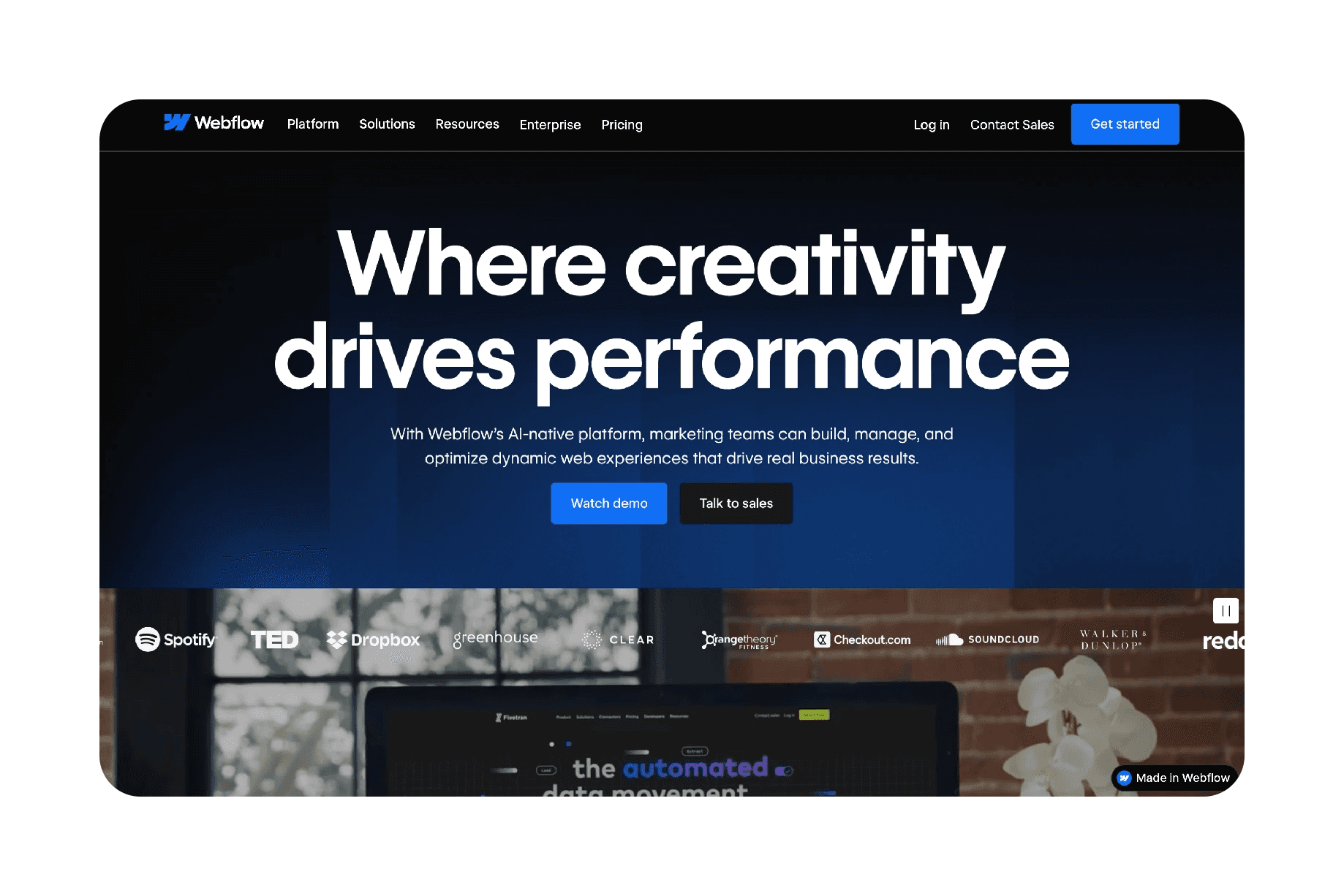
Webflow aims to let you build everything that’s possible with code — without writing code. It mirrors HTML and CSS concepts: you work with divs, classes, and have access to native CSS properties like flexbox, grid, margins, paddings, and many niche settings. If Webflow doesn’t expose a property via its UI, you can add custom properties and custom code, so virtually anything is possible.
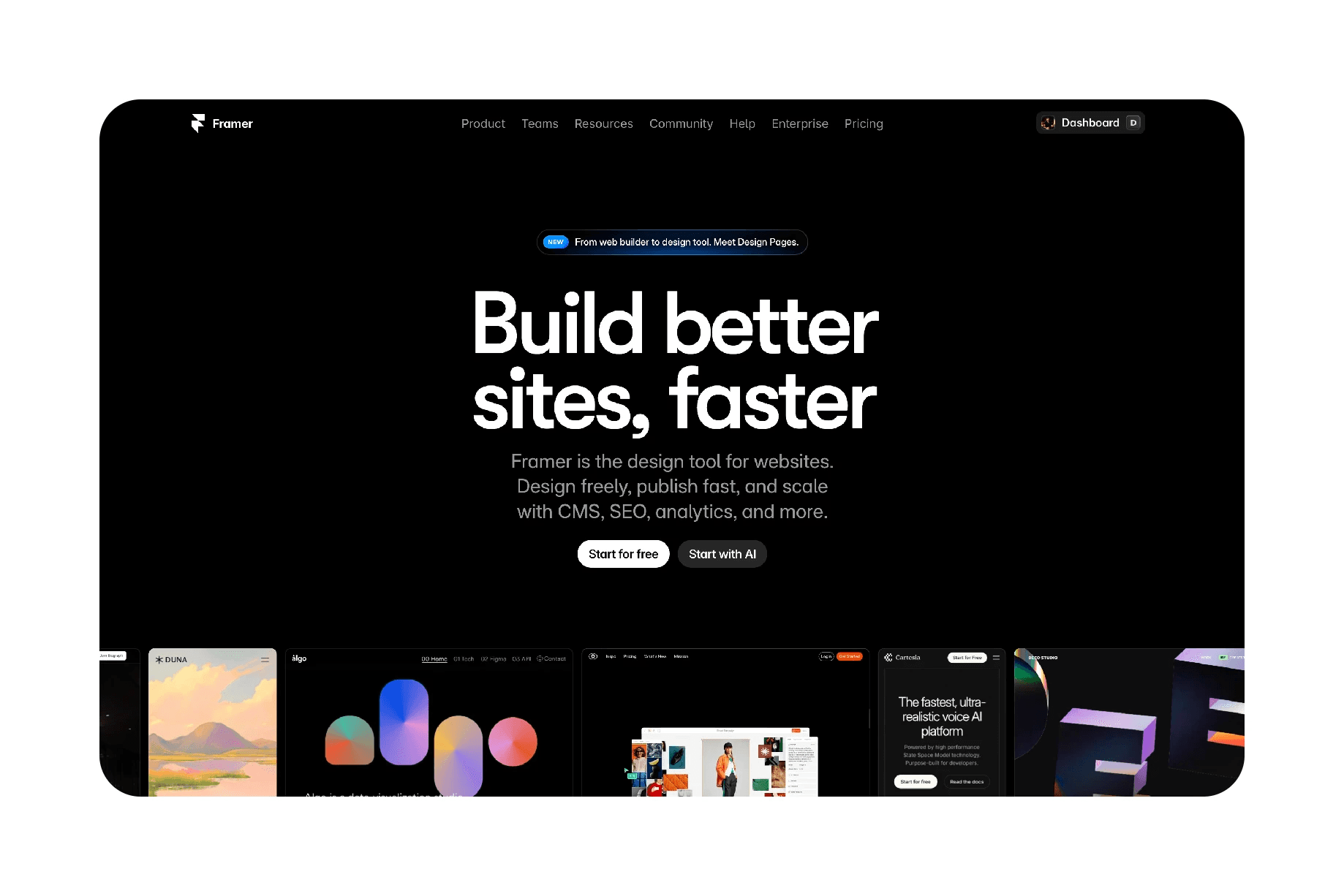
Framer focuses on making it easy for designers to ship beautiful sites quickly. The interface is much closer to Figma: you work with layers, and you don’t need to think in terms of classes or element IDs. That makes it more intuitive for people coming from graphic and product design backgrounds.
Key differences, explained
1. Design model and mindset
Webflow: Think like a developer. You style with classes, structure with HTML-like elements, and build with a more logical, code-adjacent mindset.
Framer: Think like a designer. You manipulate layers and visual placement similar to Figma, which is faster and more intuitive for creative workflows.
2. Animation capabilities
Webflow: Has one of the most powerful animation engines available for no-code tools. It also acquired the popular web animation library Gap and is integrating it, making advanced, animation-heavy sites easier to build.
Framer: Animations are supported and smooth for many use cases, but extremely complex or highly custom animation sequences are generally more straightforward to create in Webflow.
3. Adding custom functionality
Webflow: Easier to add complex interactions and custom code because you have access to classes and element IDs. Great when you need advanced behaviors or integrations.
Framer: You can add custom code, but without direct access to classes and specific element IDs, building advanced functionality can be more complicated.
4. CMS and content-driven sites
Both platforms offer robust CMS capabilities. For the majority of websites — roughly 70 to 80 percent, either tool can deliver a fully functional, content-driven site.
What types of sites favor each tool?
Choose Webflow when you need:
Complex custom functionality or bespoke integrations
Highly detailed animations and motion-driven experiences
A developer-style workflow or you already think in terms of HTML/CSS
Choose Framer when you need:
Speed and simplicity for most marketing sites, landing pages, and portfolios
An intuitive, Figma-like interface for designers and creatives
Faster prototyping-to-launch with less technical overhead
How to decide: a quick framework
Who are you? If you come from engineering or enjoy thinking in a structured, logical way, Webflow will feel natural. If you’re a designer or creative who prefers visual tools, Framer will likely be more comfortable.
What are you building? For most business sites, portfolios, and standard marketing pages, either tool will work. For heavy animations or advanced custom functionality, lean Webflow.
Try both briefly. Spend a few hours in each. Which one feels more fun and faster? That feeling matters because it affects your productivity and enjoyment.
Practical tips
Start with templates or components to learn best practices quickly in either tool.
Build a small real project (a one-page site or a landing page) in both tools to compare time-to-launch and comfort level.
Think about future needs, if you expect complex features down the line, invest the time to learn Webflow’s class-based system now.
Bottom line
Both Webflow and Framer are powerful and capable. Webflow is the better fit when you need precision, advanced animations, or complex functionality that benefits from a developer mindset. Framer is ideal when speed, intuition, and a Figma-like design flow are your priorities. For most projects — roughly 80 percent — Framer will get you there faster and with less friction, but Webflow remains the go-to for high-complexity builds.
If you’re just starting, play around with both and choose the one that feels more natural. The right tool is the one you enjoy using and can deliver great work with.
Further exploration
Want to level up faster? Look for hands-on courses that teach the workflows for each tool, and focus on building real sites rather than following tutorials passively.
Practical experience is the fastest path to confident decision-making.
And if there’s a topic you’d love me to cover in a future newsletter, let me know. I’d love to hear your ideas.
Drop a note for me on X and Linkedin.
Check out some Framer websites here.